Stop switching tabs.
Start Scaling.
Imagine a typical day for a modern educator. You have one tab open for Zoom, another for your LMS, a spreadsheet for attendance, a payment gateway dashboard, and ChatGPT running on the side.
This "tool fatigue" isn't just annoying—it's the biggest barrier to scaling education. When 40% of your time goes into managing software, only 60% is left for actual teaching.
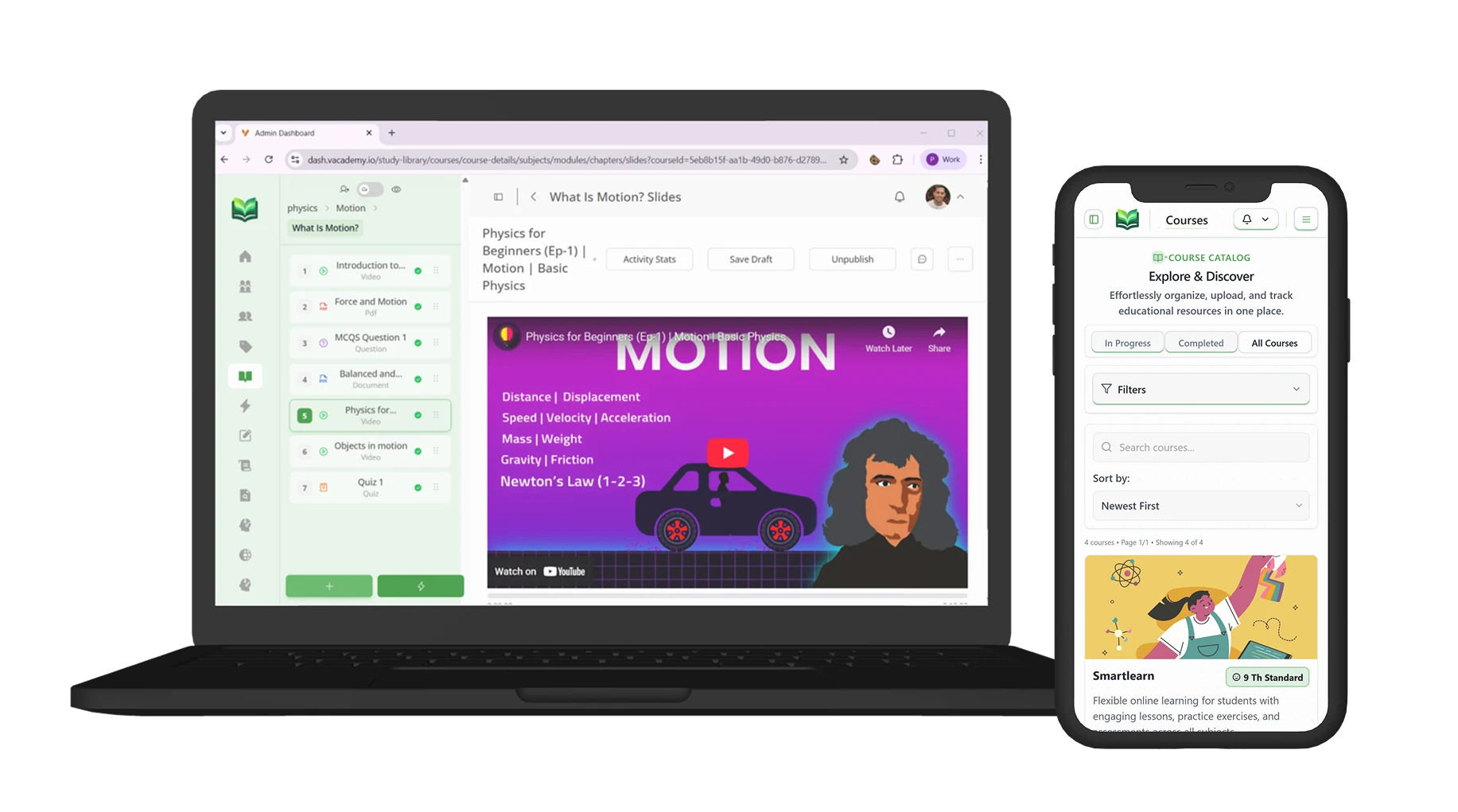
The Evolution from a Repository to a Nervous System
Unlike a traditional LMS which acts as a passive library for content, an AI-Enabled Operating System (OS) is the central nervous system of your entire education business. It actively connects teaching, operations, and intelligence into one living workflow.
The Legacy LMS
Simply a digital filing cabinet. You upload PDFs and videos, and students passively download them. No active intelligence or automation.
The Education OS
Actively generates your quizzes, automates your fee collection, orchestrates your live streams, and tracks granular analytics.
1. The Unified Command Center
The first sign of an Education OS is unification. In Vacademy, your website, mobile app, CRM, and LMS are not separate entities—they are different views of the exact same data matrix.
- When a student registers on your branded website, they are instantly added to your CRM.
- When they enroll, their invoice is auto-generated in the finance module, and they get immediate access to the app.
2. AI as Your Infinite Co-Pilot
In a traditional setup, creating a course takes weeks. In an AI-enabled OS, it takes minutes. Vacademy's Vsmart Lecturer doesn't just format text; it helps you plan the entire curriculum architecture.
You can tell the AI: "Create a 4-week Python course for beginners." It will generate a structured syllabus, lesson plans for every session, and even suggest resources, transforming the educator from a "writer" to a "curator."
3. From Static Files to Interactive Assessments
One of the tedious parts of online teaching is digitizing old content. You have PDFs of question papers, but typing them into a quiz engine is an absolute nightmare.
Vacademy's Vsmart Upload solves this. You simply upload a PDF question paper, and the computer vision AI reads the visible text, identifies questions and options, and converts them into an interactive digital quiz instantly.
4. The Invisible Operations Engine
The true power of an Operating System is what you don't see. It's the automation running tirelessly in the background.
5. Live Learning Without Limits
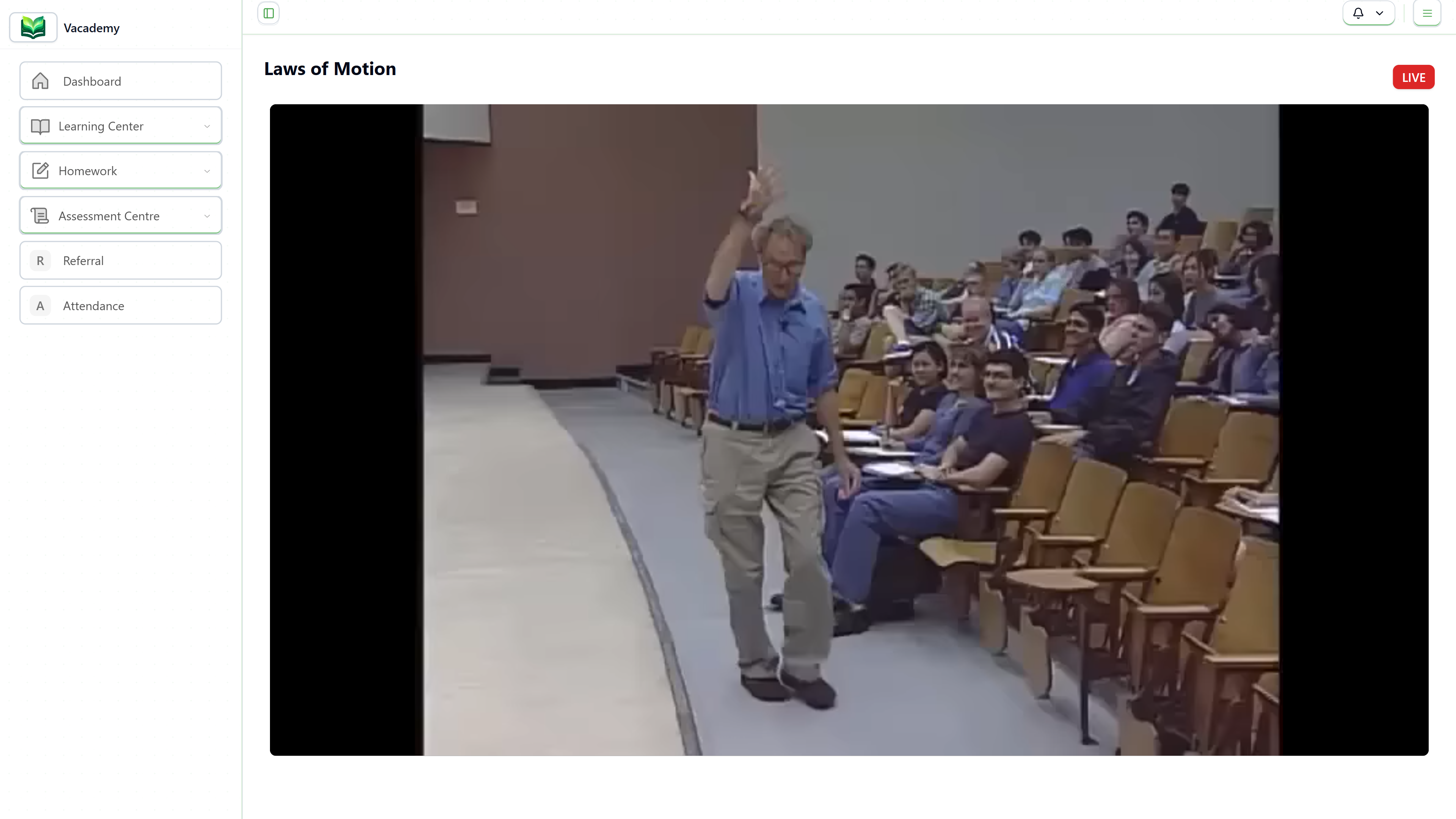
Whether you use Zoom, Google Meet, or YouTube Live, Vacademy integrates them all into one unified schedule timeline. Students don't need to hunt for links in WhatsApp groups; they just log in to their dashboard and click "Join Now."
This centralized hub also means recordings are automatically organized and dynamically mapped to the respective course batches, creating a rich repository for revision without manual uploading work.
Why Shift to an OS?
The future of education isn't about having more tools; it's about having a system that makes the tools invisible so teaching becomes visible.
By upgrading, you are hiring:
- A 24/7 Admin Team
- A Curriculum Designer
- A Marketing Specialist
Frequently Asked Questions
What makes an 'Operating System' different from an LMS?
An LMS primarily focuses on delivering courses. An Operating System like Vacademy handles the entire lifecycle: course creation (AI-assisted), live class scheduling, fee collection, student communication, website building, and automated operations—unifying everything in one platform.
Do I need technical skills to use the AI tools?
Not at all. Vacademy's AI is designed for educators, not engineers. You typically just click a button or upload a file (like a PDF), and the system auto-generates quizzes, lesson plans, or summaries for you.
Can I migrate my existing data to Vacademy?
Yes. Vacademy supports bulk uploads for students and content. Our support team also assists with migration to ensure a smooth transition from your current tools.
Does it support both live and recorded classes?
Absolutely. You can schedule live classes (integrated with Zoom, Google Meet, or YouTube Live) and also offer self-paced recorded courses. Attendance for live classes is even automated.
Is Vacademy suitable for individual tutors?
Yes! While scalable for large institutions, many individual creators and tutors use Vacademy to professionalize their brand, manage payments effortlessly, and save time on admin tasks.